How to Get Google AI Pro (Gemini) Free for 1 Year: Student Offer Guide #
Google Gemini is Google’s multimodal AI assistant for tasks such as answering questions, writing, coding, research, summarizing documents, and creative work. Eligible students may be able to claim a limited-time Google AI subscription offer through Google’s official student promotion.
This guide explains Gemini, what student promotions may include, and how to check and apply through Google’s official process. Eligibility, participating countries, included benefits, and offer duration can change. Always rely on the offer details shown on Google’s official page.
What Is Google Gemini? #
Gemini is Google’s AI model family and assistant. Depending on the product and access level, it can help with text, images, research, writing, coding, and other tasks. Gemini is available on the web, in mobile apps, and through integrations with some Google products.
The free experience may be enough for everyday use, while subscription plans may include higher usage limits or additional features.
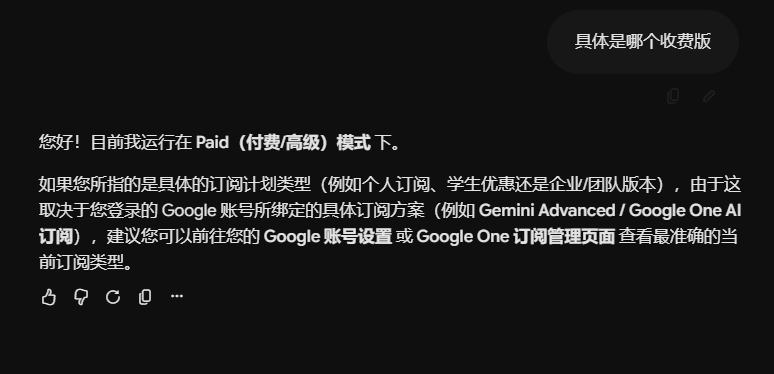
Gemini Free vs. Google AI Pro #
Google’s product names and subscription benefits may change over time. Generally, free access comes with usage limits, while Google AI Pro may offer higher limits and access to additional features or Google services, depending on the plan and region.
Possible subscription benefits can include:
- Higher Gemini usage limits
- Additional AI tools for more complex tasks
- Integrations with selected Google apps
- Extra cloud storage or other bundled benefits, where included
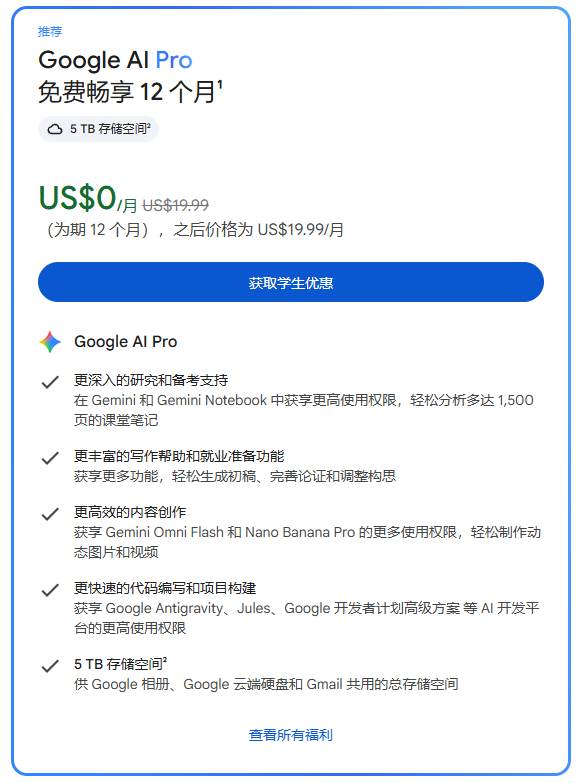
What Is the Google AI Pro Student Offer? #
Google has offered student promotions in selected countries and regions. Eligible students may receive a free trial or a limited-term subscription benefit, but offers differ by location and campaign.
Before applying, check:
- Whether you meet Google’s stated student eligibility requirements
- Whether verification through SheerID or another designated provider is required
- Country, school, and age restrictions
- Whether a payment method must be added
- The renewal price and date after the promotional period
Avoid third-party services that claim to guarantee student verification. Never share your account password, security codes, or sensitive personal information with untrusted parties.
How to Apply for the Google AI Pro Student Offer #
Step 1: Visit Google’s official student offer page #
Go to:
https://gemini.google/students
Sign in with your Google account and check whether the student promotion is available to you.
Step 2: Check your account and regional eligibility #
If the page says you are not eligible, the reason may relate to your region, account status, student eligibility, or other campaign requirements. Follow the official instructions. Do not falsify student status or submit documents that do not belong to you.
If you need access to Google services, use a reliable connection that complies with applicable laws and service terms.
Connectivity service reference: 网际快车
Step 3: Complete student verification through the official flow #
Select the student offer and read the eligibility information. If Google directs you to SheerID, complete the verification through the official flow and provide genuine, valid student documentation when requested.
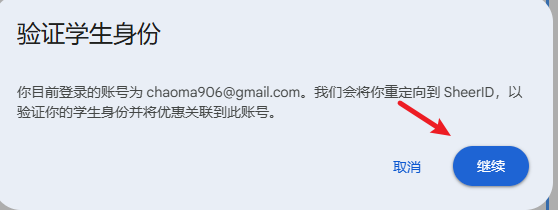
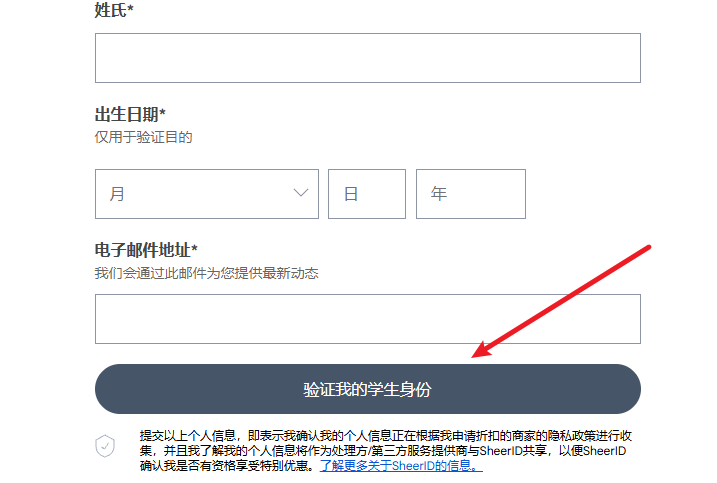
Required documents, verification results, and processing times depend on the verification page. Do not buy verification codes or use fabricated or borrowed student information.
5、Using Telegram for student verification #
- Open the Telegram group:https://t.me/gemin_sheerid_pass_bot?start=ref_1901093081
- Follow the prompts—select China—join the group
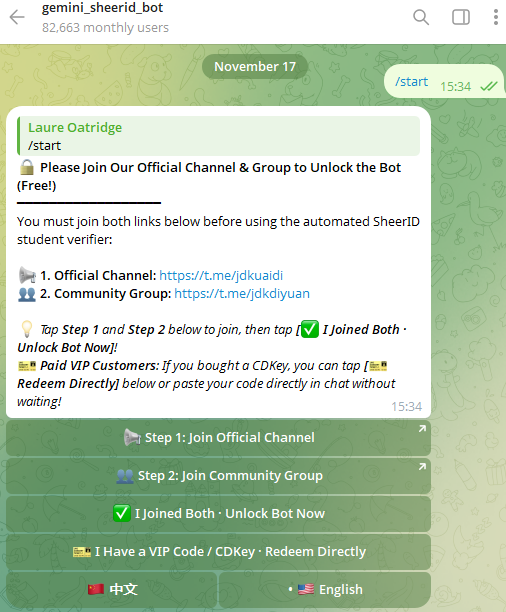
- On this page, pay with Alipay or USDT to purchase a verification card.

- Once the purchase is complete, follow the prompts to send the webpage link for student verification.

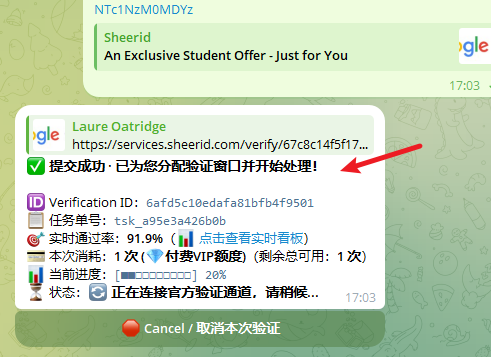
- After sending the verification link in the chat box, please wait patiently while it is being processed.
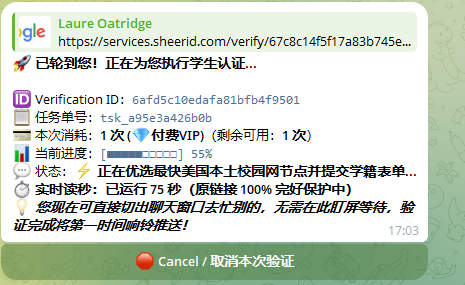
- Once the process is complete, you will see a link; simply copy and open it.
- After opening the link in your browser, you will be able to see that your student verification has been approved.
- The next step will prompt you to enter payment information; select “credit card.”
- If you have an international credit card, enter your card details here.
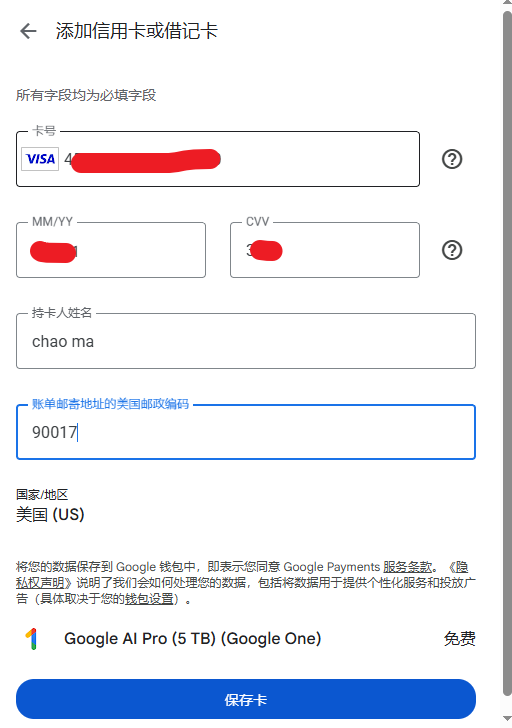
- If you do not have an overseas credit card, you will need to apply for one.
- You can apply for a U.S. credit card through the following websites.
- I use the Visa card from the Gate exchange, and it passes verification 100% of the time.
1、Gate exchange 2、Wasa Credit U Card 3、Dog credit card
6、Get a 12-month Google Pro subscription for $0 #
- After student verification and card linking are successfully completed
- Subscribe to Google Pro for $0—click to subscribe.
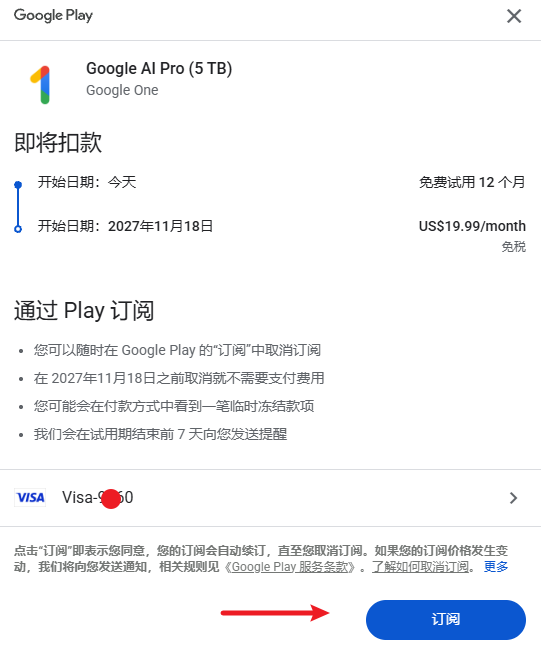
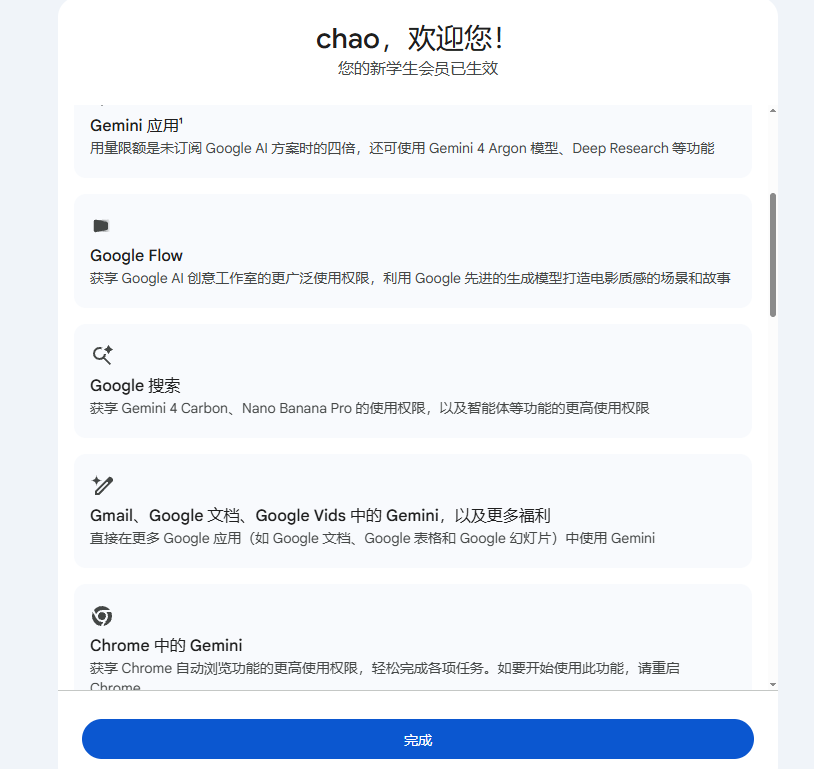
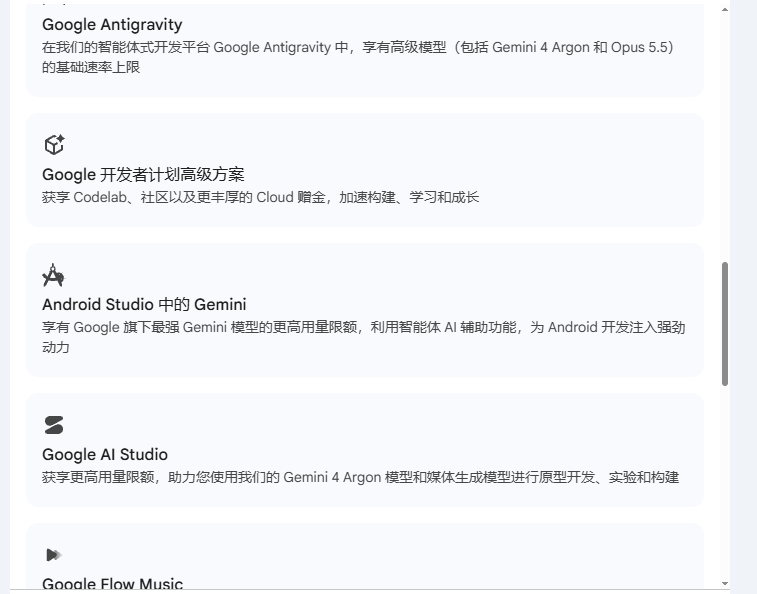
7、A welcome message appears after a successful subscription. #
- Compared to the free version, the student version has many advantages.
Frequently Asked Questions #
1. Can everyone get Google AI Pro free for one year? #
No. Student promotions may have regional, school, identity, or campaign-specific restrictions. Check the official Google student offer page for your eligibility.
2. Why does the page say I am not eligible? #
Eligibility can depend on your region, Google account, student status, or promotion terms. Review the official message and confirm that you meet the requirements using accurate information.
3. Is SheerID always required? #
Verification methods depend on the current offer. If Google uses SheerID, follow the verification link provided by Google’s official offer page and submit genuine student documentation.
4. Will I be charged after the free period? #
Some promotions may automatically renew into a paid subscription. Check the renewal price and date before signing up. If you do not want to continue, cancel through the official subscription settings before renewal.
5. Do I need a credit card? #
Payment-method requirements vary by offer and region. Follow the checkout instructions and avoid unreliable payment providers.
Final Thoughts #
The Google AI Pro student promotion can be a way for eligible students to explore Gemini’s advanced features. However, it is not available to everyone. Start with Google’s official student offer page and confirm eligibility, verification requirements, promotional duration, payment details, and renewal terms before subscribing.
Official application page: https://gemini.google/students
Questions about this article: [email protected]