How to Download and Install Muse on iPhone #
Meta’s Personal AI Agent (Muse from Meta) #
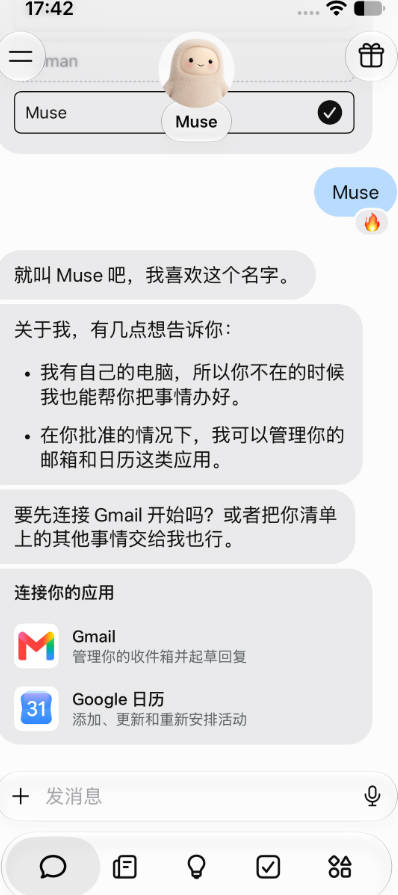
Meta has released a personal AI Agent called Muse. Unlike traditional “question-and-answer” AI chatbots, its design goal is to execute multi-step complex tasks on behalf of the user.
✨ Key Features #
- From “answering” to “executing”: Users can not only ask questions but also authorize it to book restaurants, manage emails, track budgets, monitor product prices, and even place orders automatically.
- Cloud secure virtual machine environment: Muse runs in an isolated cloud Linux virtual machine (Muse Secure Virtual Machine) equipped with a built-in browser and command-line shell. This allows it to access websites, operate web forms, or run scripts just like a human.
- Multi-app ecosystem integration: Supports deep integration with external ecosystems and apps (such as Calendar, Gmail, Instagram, Facebook, Notion, Shopify, Canva, etc.).
- Long-running background work and memory: Even after closing the app, Muse can continue monitoring tasks in the background and push notifications when there are major updates or when confirmation is needed.
🚀 Core Advantages #
- Real operational capability: Goes beyond pure text output and can use a web browser, CLI, and connected apps to deliver results directly.
- Proactive automation: Can schedule timed or continuous background tasks (e.g., “automatically monitor competitor ad changes every Monday”).
- Safety approval mechanism: Sensitive operations (such as payments, sending emails, canceling subscriptions) first trigger human confirmation (Human-in-the-loop) to prevent mistakes.
Downloading Muse on iPhone #
- Meta’s personal AI agent (Muse from Meta) has strict regional availability restrictions.
- The knowledge management and infinite canvas software (Muse – Tool for Thought) can be freely downloaded from the App Store in most countries worldwide.
Currently, Muse is only available for download in the App Stores of the following countries/regions:
- United States
- Canada
- Japan (recently expanded as a pilot region)
Therefore, if your Apple ID is not from one of the above countries, you need to prepare a US Apple ID.
In addition, the network must also be from one of these three countries.
This requires a VPN. For more stable network performance, it is recommended to use an airport proxy service.
Many airports provide US Apple IDs that can be used to download overseas apps.
Baobei Yun Airport provides free US Apple IDs:
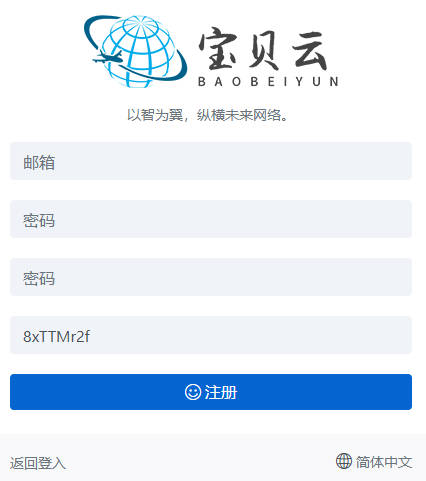
Step-by-Step Guide #
- After successful registration, click the top-left corner to purchase a subscription and select a suitable plan.
Here we choose the 15 CNY / 200G per month plan.

- After purchase, click “Usage Documentation” in the top-left corner.
Find “Shadowrocket”, then scroll down to locate the “Free US Apple ID”.
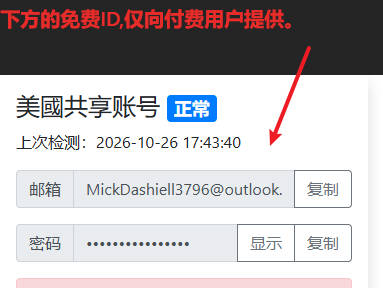
- Open the App Store, sign out of your current Apple ID, and sign in with the US Apple ID.
Download Instagram.
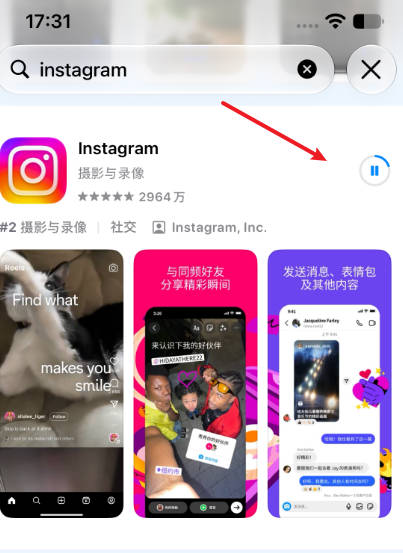
- Download Shadowrocket.
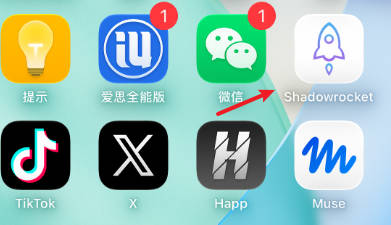
- Download Muse.
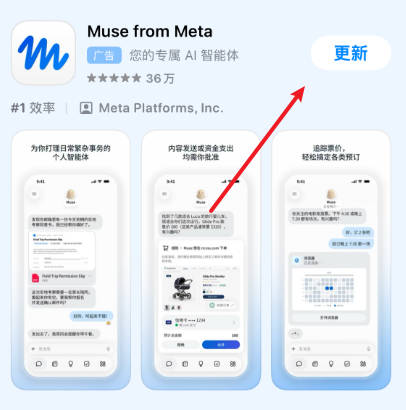
- After downloading, open the Baobei Yun Airport official website.
Click “Dashboard” in the top-left → “One-Click Subscription” → copy the subscription address.
Open Shadowrocket; a prompt “Whether to paste” will appear automatically — select Paste.
Tap the connection button in the top-right, authorize, and select a US node.
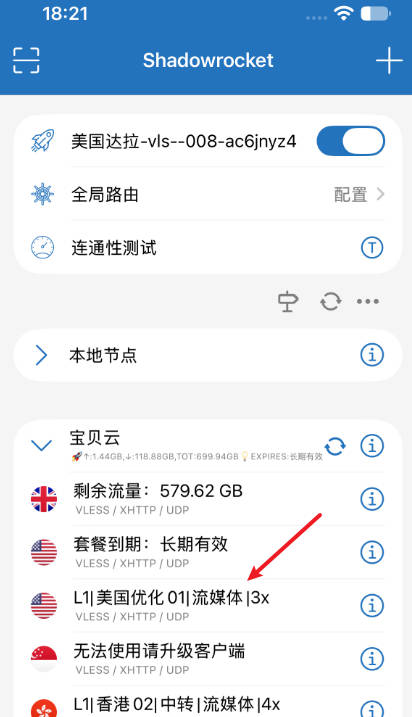
- After connecting to the network, sign out of the US Apple ID.
Open Instagram and log in.
If you do not have an Instagram account, please refer to the related registration tutorial.
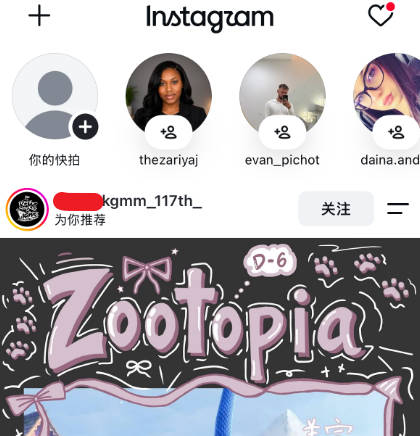
- After successfully logging into Instagram, you can open Muse.
After opening Muse, you will see the Instagram login interface.
Since Instagram belongs to the same company, the account is shared — simply click to log in.
If you encounter any problems, please send an email to: [email protected]
After completing the above steps, you can successfully download and use Meta Muse on your iPhone.