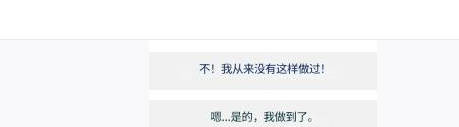
When using Telegram, you may encounter the following message:
Sorry, you can only send messages to mutual contacts at the moment.
This is a restriction mechanism set by Telegram to prevent spam and advertising.
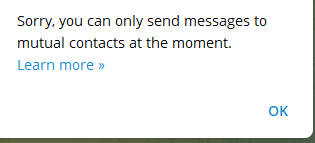
1. Click “Learn more” to open the official bot #
Open the official anti-spam bot: @SpamBot
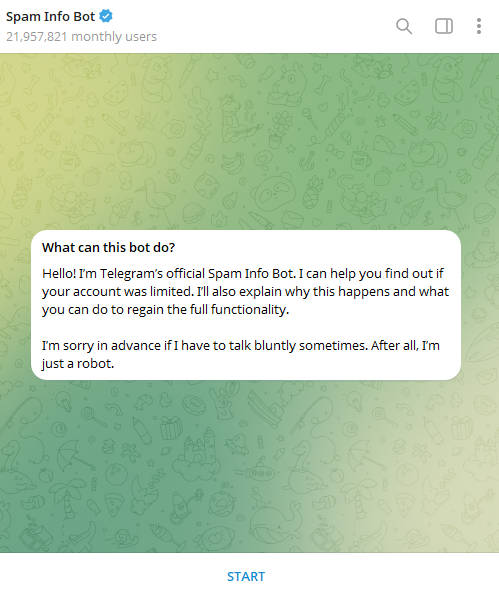
2. Click Start at the bottom #
- If your Telegram account has no restrictions, you will see a message similar to this:
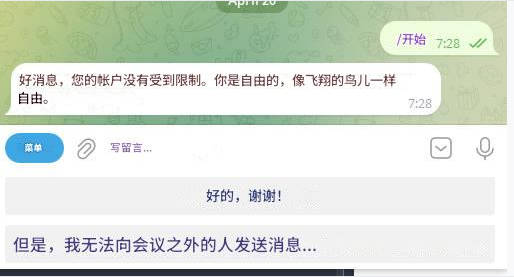
- If your account is under some restriction, a different message will appear.
- Simply follow the prompts to submit an appeal.
- Tell Telegram that you encountered an error.
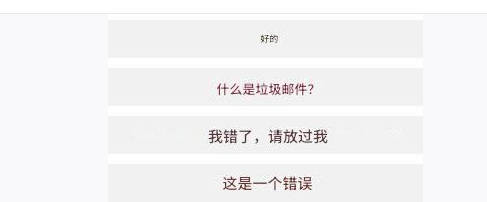
- Next, the bot will ask whether you have sent spam messages to others.
- Do not admit to sending spam.
- Clearly state that you have never sent any spam messages.
- This usually removes the mutual contacts restriction on Telegram.