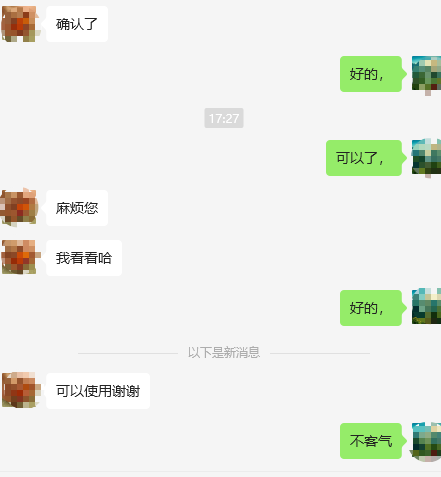
Midjourney Introduction and Features #
Midjourney is a powerful AI image generation tool with the following features:
- Text-to-image: Quickly generates high-quality artistic images from text prompts
- Style control: Specify artistic styles such as Impressionism, cyberpunk, pixel art, and more in the prompt
- Image-to-image: Modify or reimagine existing images by adding text descriptions
- Precise detail control: Fine-tune composition, color, lighting, character poses, and other details through prompts
- Multiple resolutions and HD output: Supports various resolutions and high-definition output suitable for social media and professional design
- Community and learning resources: Active Discord community where users share work, exchange tips, and learn from others’ prompts
- Copyright and commercial use: Generated images can be used for commercial projects under Midjourney’s terms of service
Install and Use a VPN Tool #
Midjourney’s international version is not accessible in some countries and regions, so a VPN is required. Recommended service:
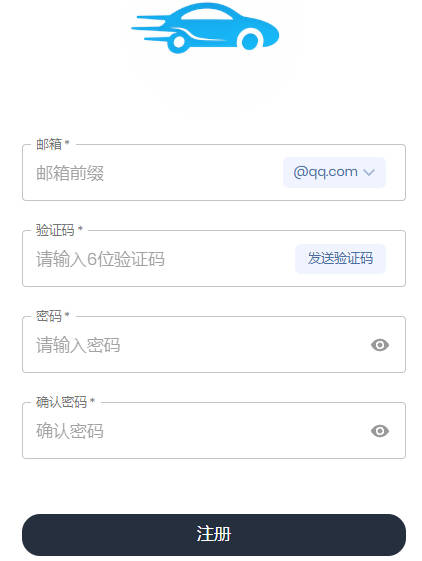
Register with an email address.
Go to the store and choose a suitable plan (recommended: 6.8 CNY / 20G with no time limit).

Click “Usage Tutorial”, select your device, and download the corresponding software. Common clients:
| Device | Client 1 | Client 2 | Client 3 |
|---|---|---|---|
| Android | v2rayNG | FlClash | v2box |
| Windows | v2rayN | FlClash | Hiddify Next |
| iPhone | Shadowrocket | v2box | Stash |
| Mac | v2box | Clash Verge | Hiddify Next |
| Linux | FlClash | Hiddify Next | Clash Verge |
Example using Windows v2rayN:
- Click “Universal Subscription” → copy the link
- Open v2rayN → top-left “Subscription Group” → “Group Settings” → “Add” → enter a name and paste the subscription URL
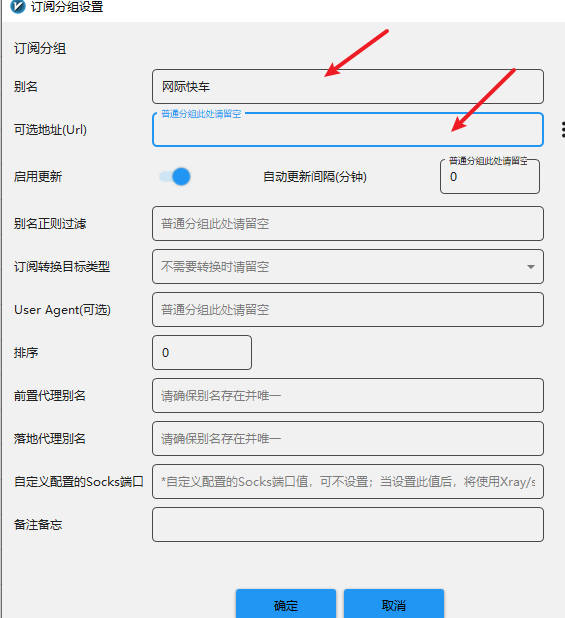
- Confirm, then update the subscription (without proxy)
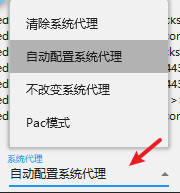
- At the bottom of the software, select “Automatic system proxy”
You should now be able to open the Midjourney website.
Midjourney Subscription and Payment Process #
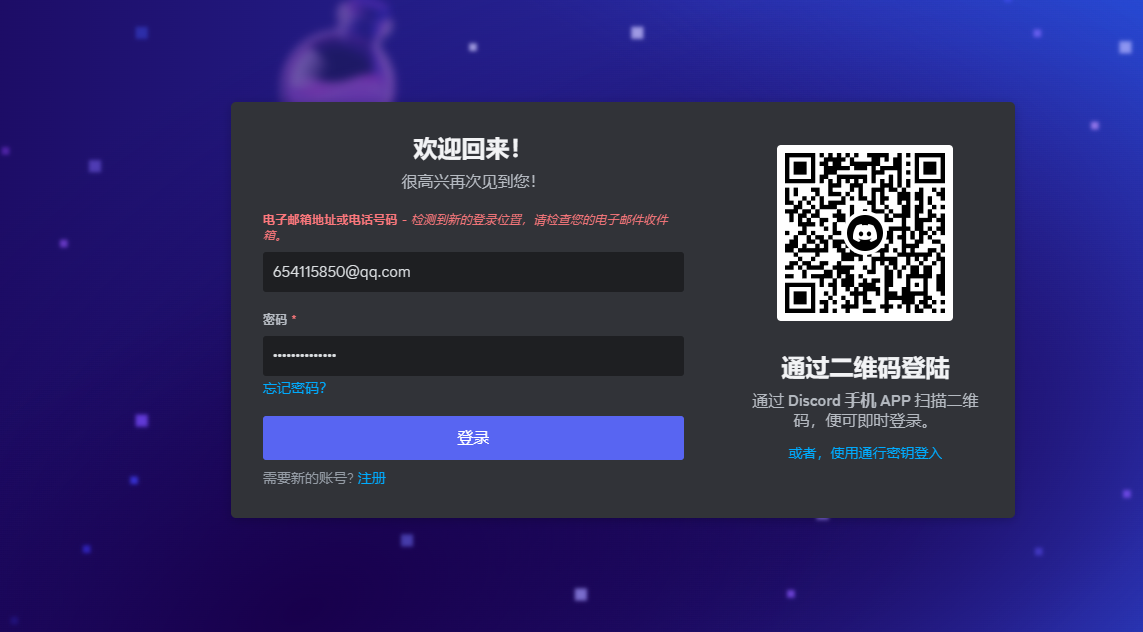
- Log in to the official Discord website: https://discord.com/
- Find the Midjourney Bot. If it is not present, add it.
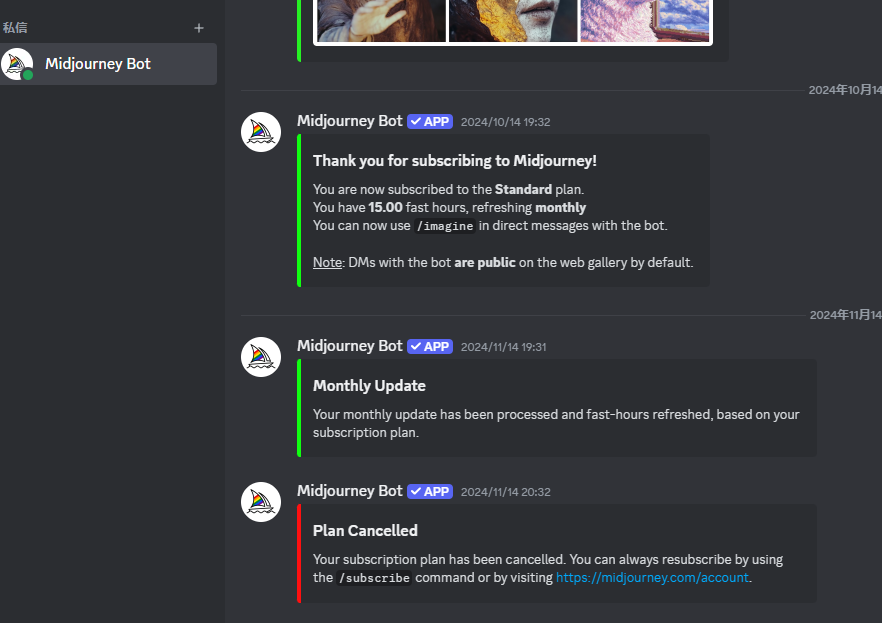
- Click the subscription link at the bottom of the screen to go to the Midjourney website.
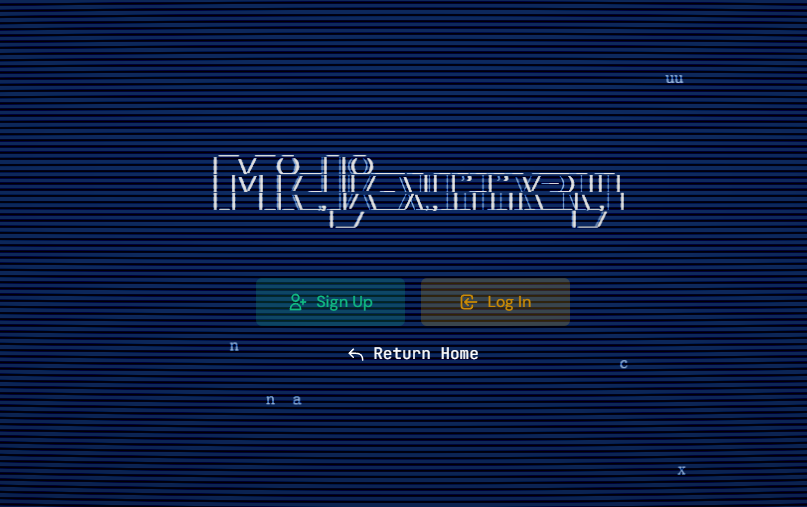
- Click Login, choose Discord login, and authorize.
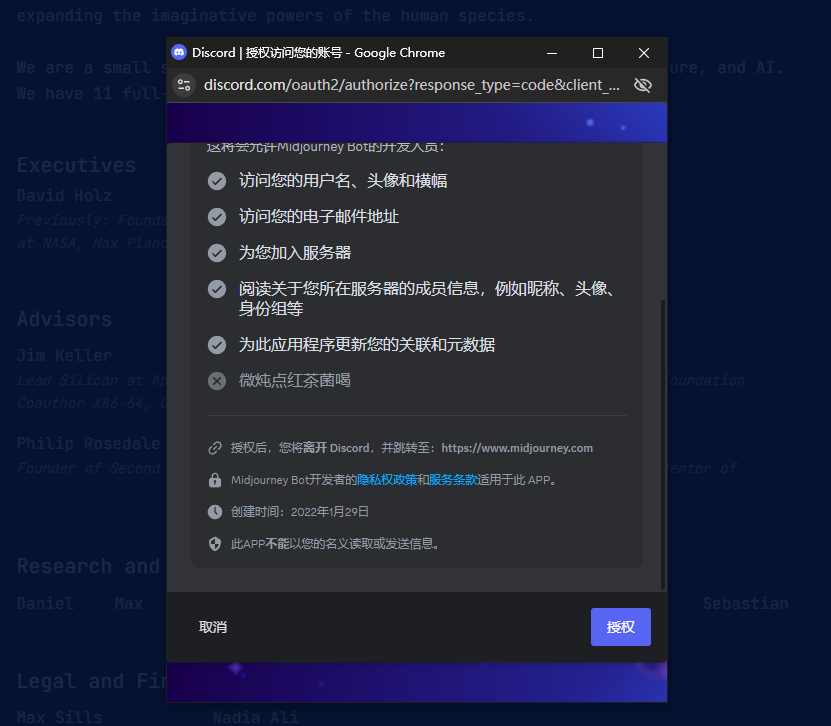
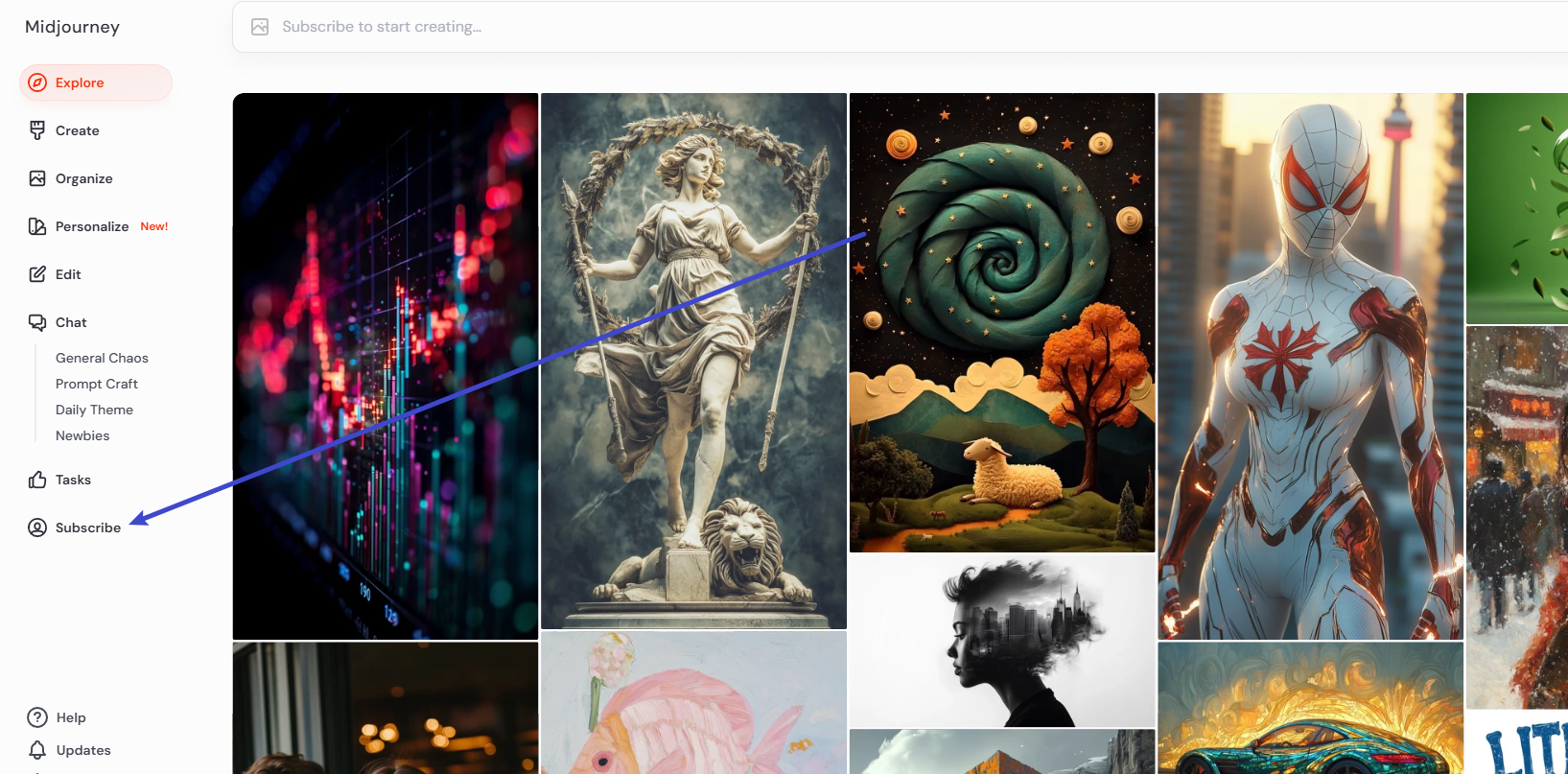
- Click the Subscribe button on the left side of the screen.
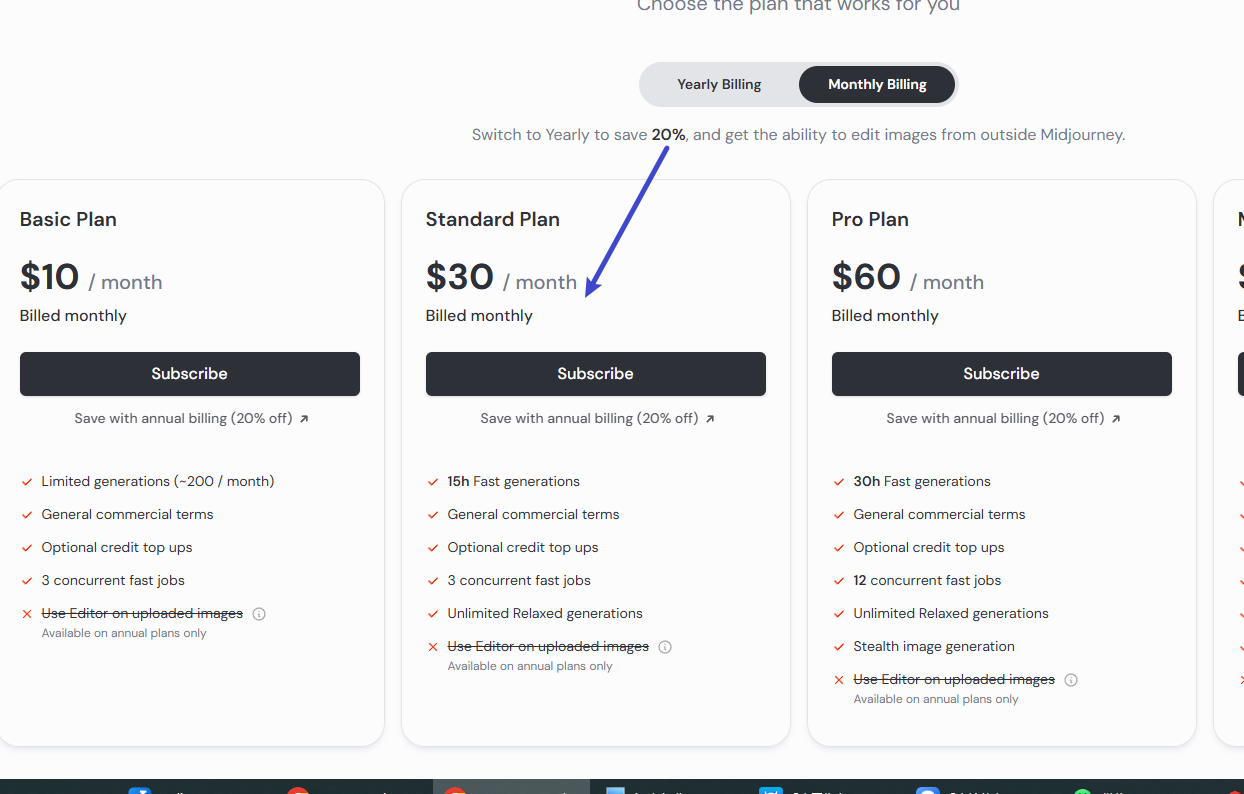
- Select the Midjourney plan you want and click it.
- Enter payment information. For the address, it is recommended to use a U.S. tax-free state, then click pay.
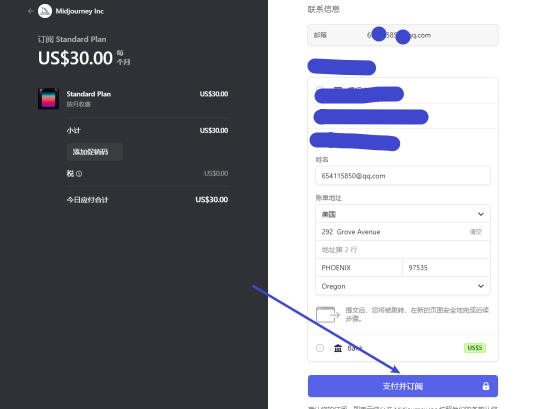
If you do not have an overseas credit card, it is recommended to use Wasabi Card (stable for 3 years):
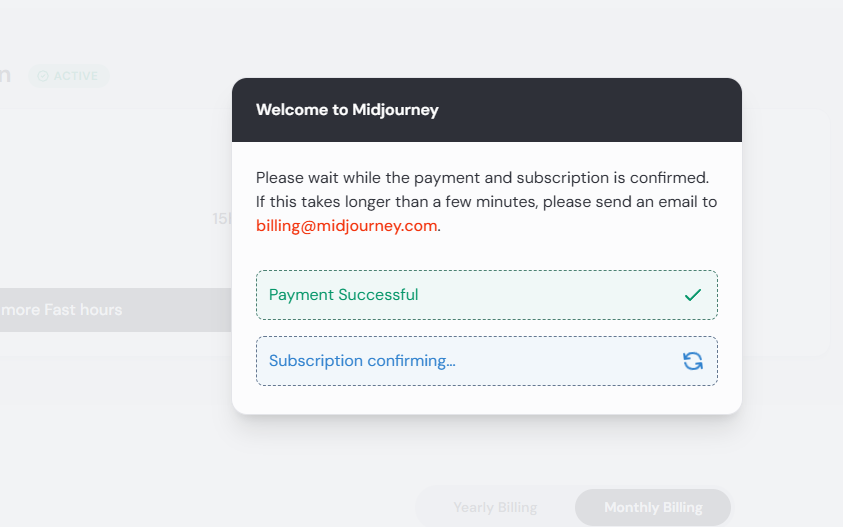
- The following screen indicates successful payment.
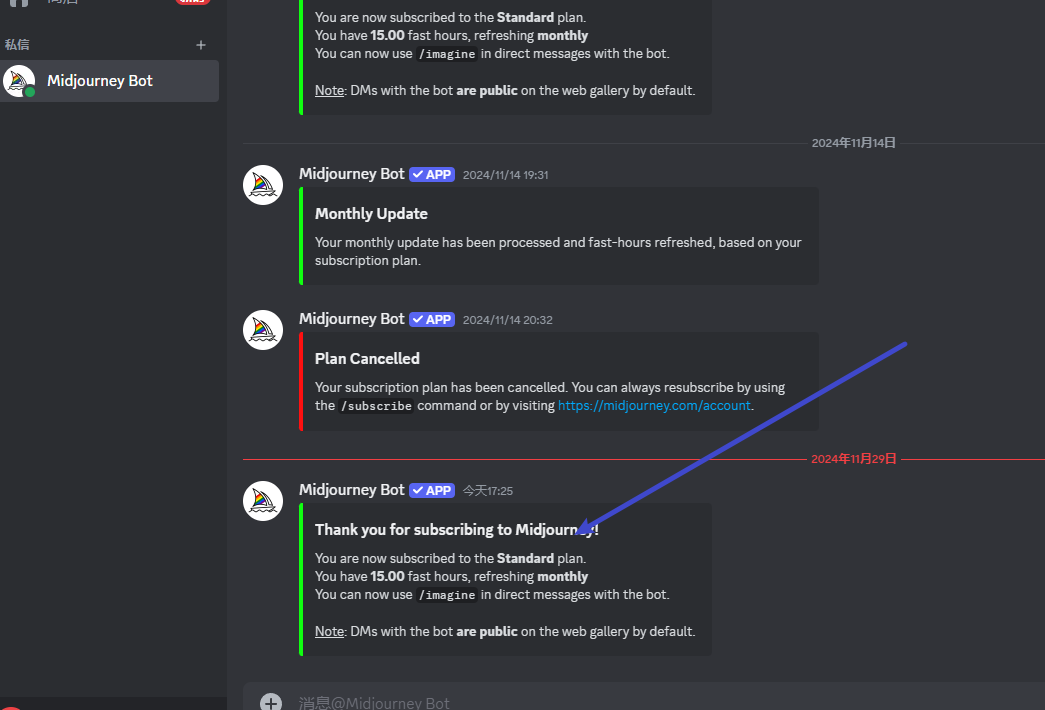
- Return to Discord and you will also see a successful subscription notification.
- I have helped many clients complete Midjourney subscriptions. If you have any questions, please email: